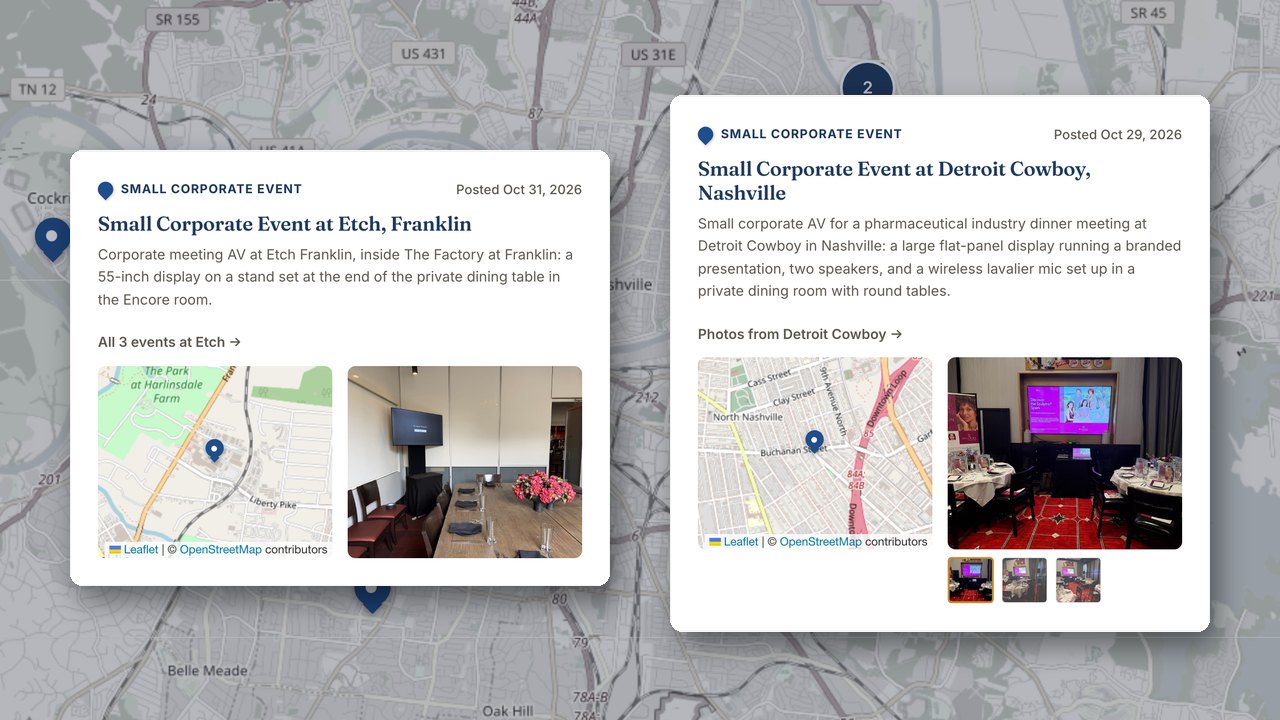
GeoPins are a live map feature on AmpLive. They turn the photos you already take at a real venue into a permanent pin on that venue, with a short write-up that proves your company has loaded in there.
Planners search by venue. A planner working on a gala often skips "best tent rental near me" and searches for the place itself: "tent rental at [the estate venue]" or "AV at the convention center." When your photos and write-ups are pinned to those real places, your company shows up as the one that has already worked there. That single change makes your past jobs do the selling.
Every gig you already do becomes marketing without a photographer or an agency.
Why venue proof matters now
Buyers and planners increasingly ask AI assistants like ChatGPT, Claude and Gemini who to rent from. The assistants give a short list of names. A company not on the list does not get the call.
AI assistants answer in two ways. They answer from what the model already knows, which is built from the open web over time. They also answer from live web search. Being on the pre-formed shortlist is much stronger. That shortlist is built from third-party association: reviews, directories, press and mentions alongside the established names repeated across the web.
A single great website is not enough. Technical fixes like page speed and llms.txt help the search path, but they do not by themselves put you on the shortlist. What moves it is proof of real work at real venues. GeoPins create that proof in a way that search engines and AI assistants can see.
Nashville Visual is a live example. In September 2026, ChatGPT was asked repeatedly for the best AV rental company in Nashville. Nashville Visual, an established AV rental company, was not named. On October 15, 2026, Nashville Visual went live on AmpLive, including GeoPins. Its weekly AI Visibility report has been trending the right way since. Those are early weeks, reported honestly.
How GeoPins work on AmpLive
GeoPins are not a photo gallery and they are not a social feed. They are venue pages. After a gig, Ginny, the AI inside AmpLive, asks for the photos. Ginny then drafts three things: the pin on the map at the real venue, a short write-up, and a social post. You approve the draft or edit it. You control what goes live.
The approval loop
The rules matter because they keep the proof real and useful.
- Name the venue and the type of event, not the client.
- Use real photos only.
- The post date is the date published, never a fake event date.
- Pins can drip out a few per week on a schedule.
Each venue gets its own page that collects every event your company has worked there. That page proves you have loaded in at that venue more than once. A planner sees a history of real work at the exact place they are planning.
How to start with photos you already have
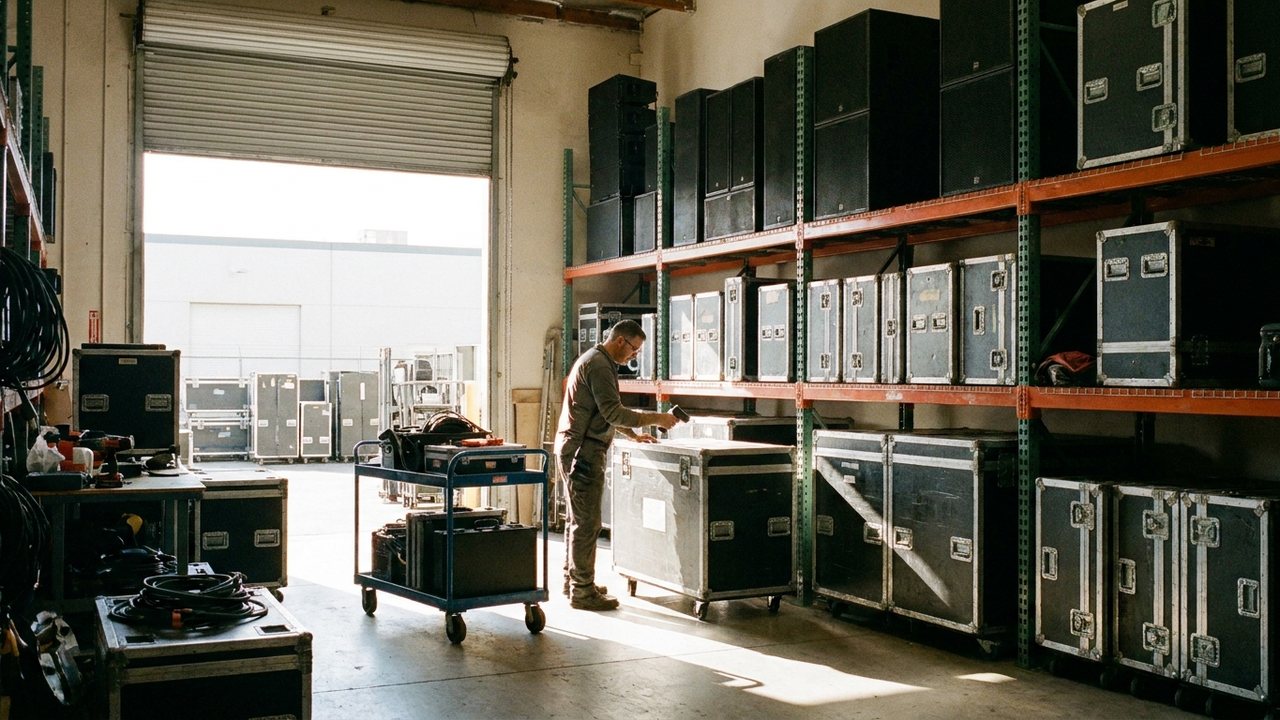
You do not need a professional photographer. You already have photos on your phone from past and current jobs. The order below works for tents, linens, dance floors, AV and any other rental category.
- Find 20 to 30 photos from jobs you have worked in the last 12 months. Use real photos only.
- Sort them by venue. If you do not know the venue name, find it in the contract or invoice.
- Pick one clear photo per event that shows your equipment or work at the venue. For tents, show the structure in place. For linens and dance floors, show the room set. For AV, show the stage, screen or lighting.
- Write down two facts about each event: the venue name and the event type, like "wedding reception at [venue name]" or "trade show booth at [convention center]."
- Do not mention the client name. Venue and event type only.
- Load the photos and notes into AmpLive. Ginny drafts the pin, the write-up and a social post. You approve or edit.
- Schedule a few pins per week. This keeps the venue pages growing without a huge time block.
This checklist works the same way for a tent company pinning an estate wedding and an AV company pinning a convention center general session. The only difference is the gear in the photo. The proof works the same.
What GeoPins are not
GeoPins are not a back-office system. They do not replace inventory, quotes or payment tools. If your problem is double-booked gear, a back-office tool solves that real problem. GeoPins solve a different problem: your company is invisible when a planner asks an AI assistant who to rent from.
Start with the photos you already have
The fastest first step is not a photo shoot. It is opening your camera roll and finding the work you have already done. One venue pin this week is better than a perfect plan next quarter. AmpLive makes the draft and the schedule simple, and you stay in control of what gets approved.
See GeoPins running live on a real rental company at Nashville Visual. If you want to see how your past jobs would look on the map, book a demo and we will show you the live system, not slides.